Who does what, and by when.
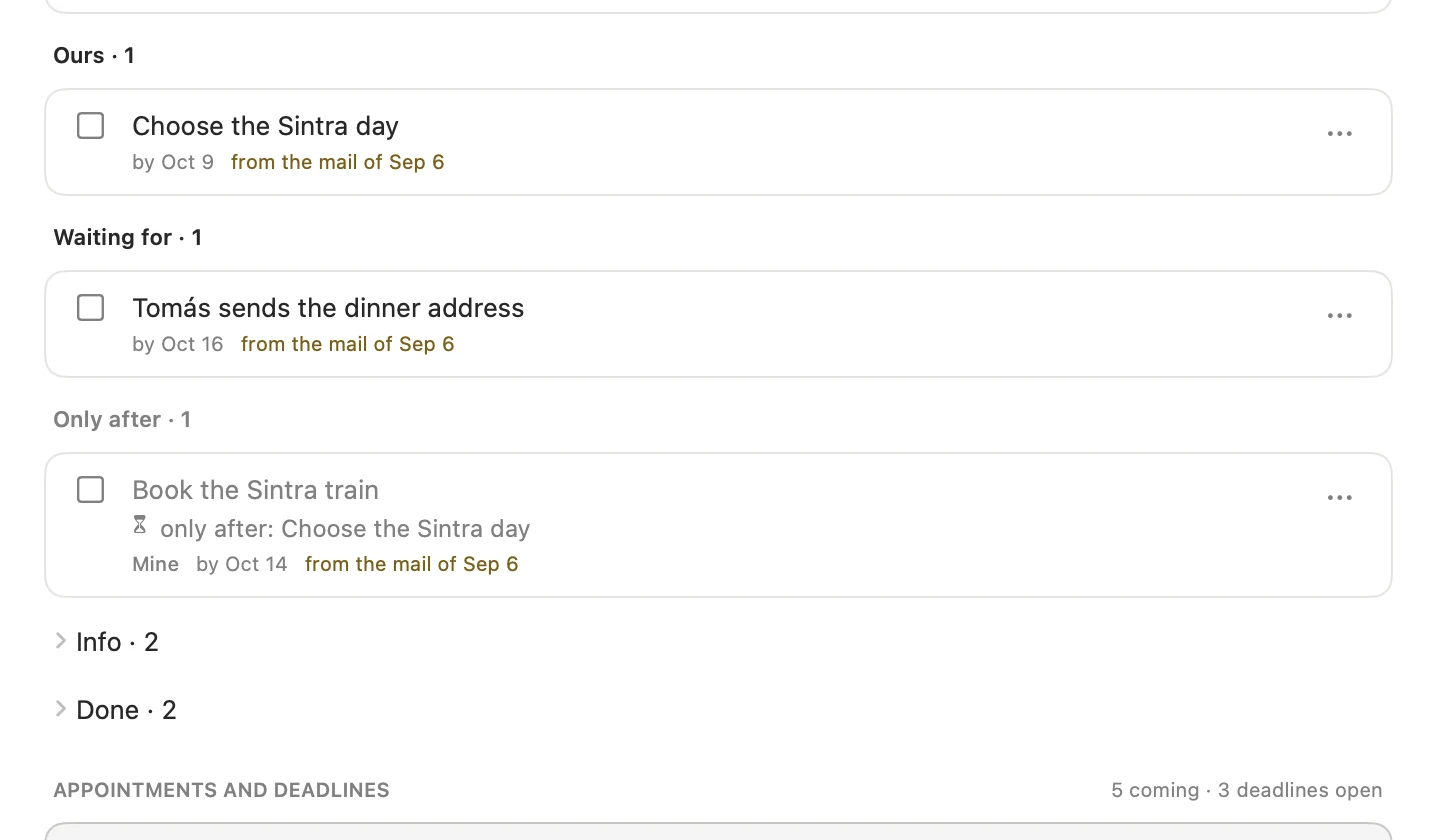
Tasks are yours, shared, or someone else’s you’re waiting for. Some can only start after another.
NewCausabee for Mac
Mum’s care — the doctor, the insurer, the care service, your sister. Causabee turns the mail, letters and chats into one clear matter: what comes next, who’s on it, and what you’re still waiting for. Without your mail ever leaving your Mac.
Version 0.5 Beta 1 · Free and open source · Requires macOS Sequoia 15 or later · Release notes
Your mail and documents stay on your Mac. The AI only sees a disguise.
Tasks, dates, files and people, pulled from your mail and put where they belong.
Tasks are yours, shared, or someone else’s you’re waiting for. Some can only start after another.
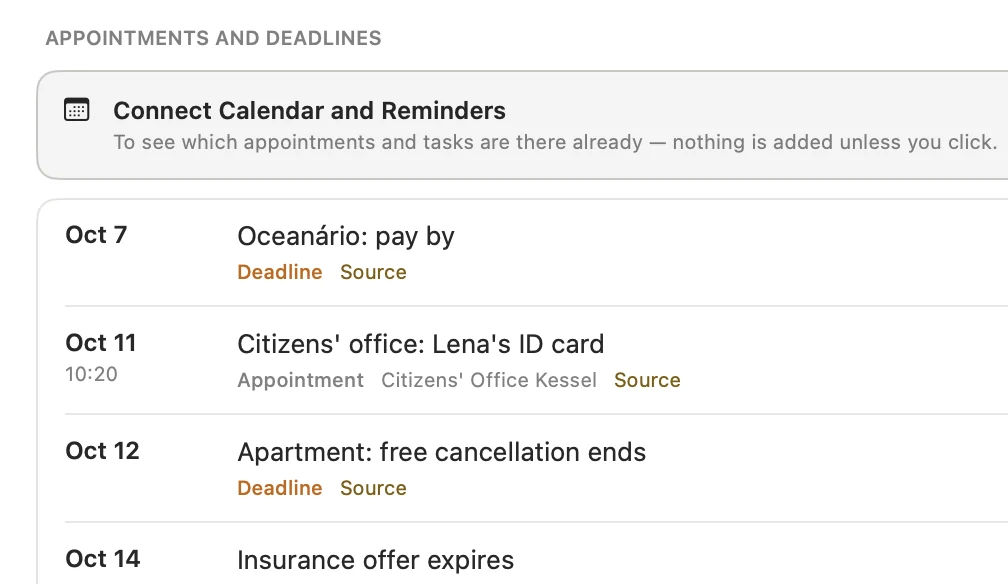
Add a date or a task with one click. Change it in either place, and the other follows.
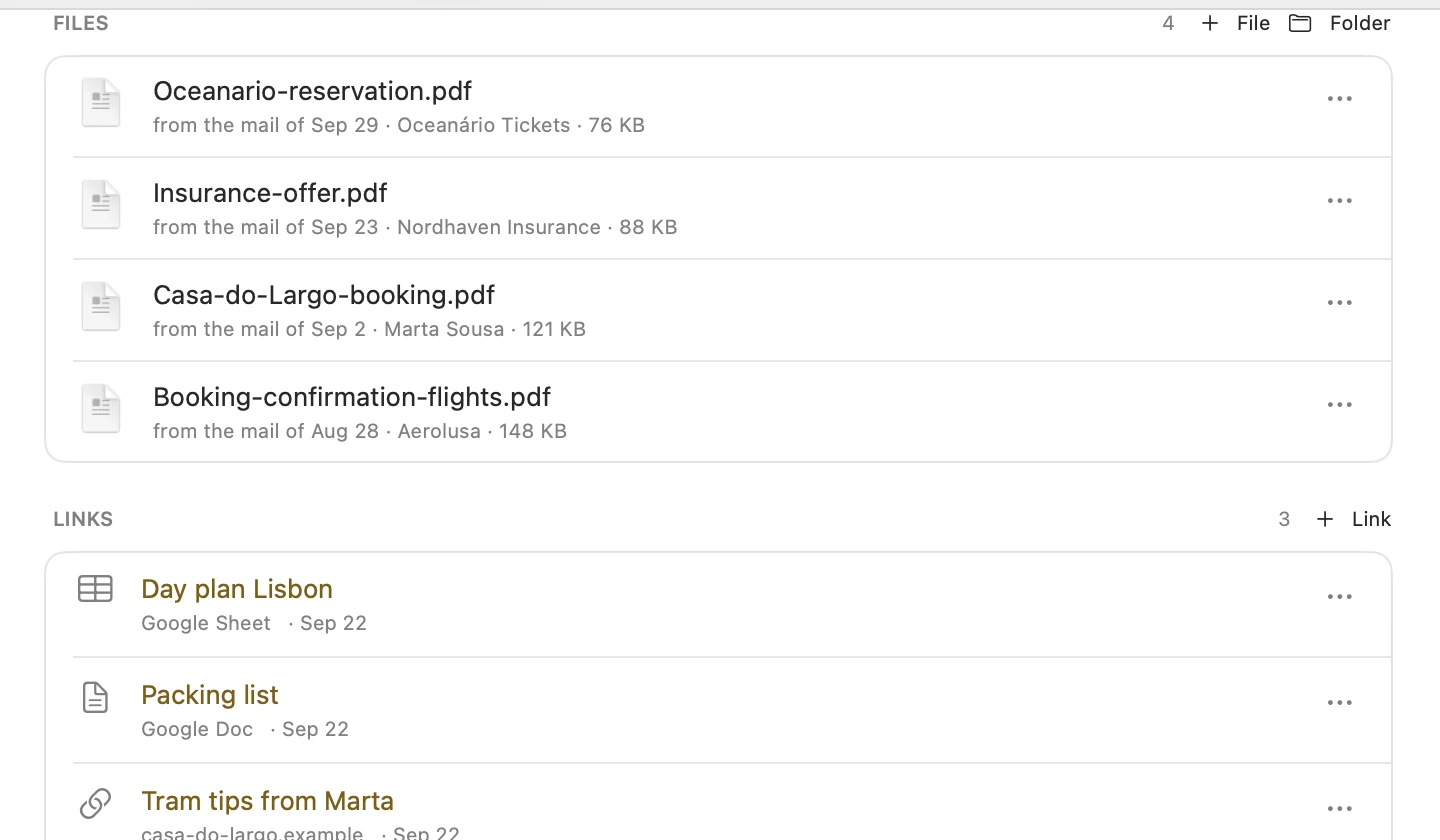
Attachments, shared documents and everyone involved, each with their role.
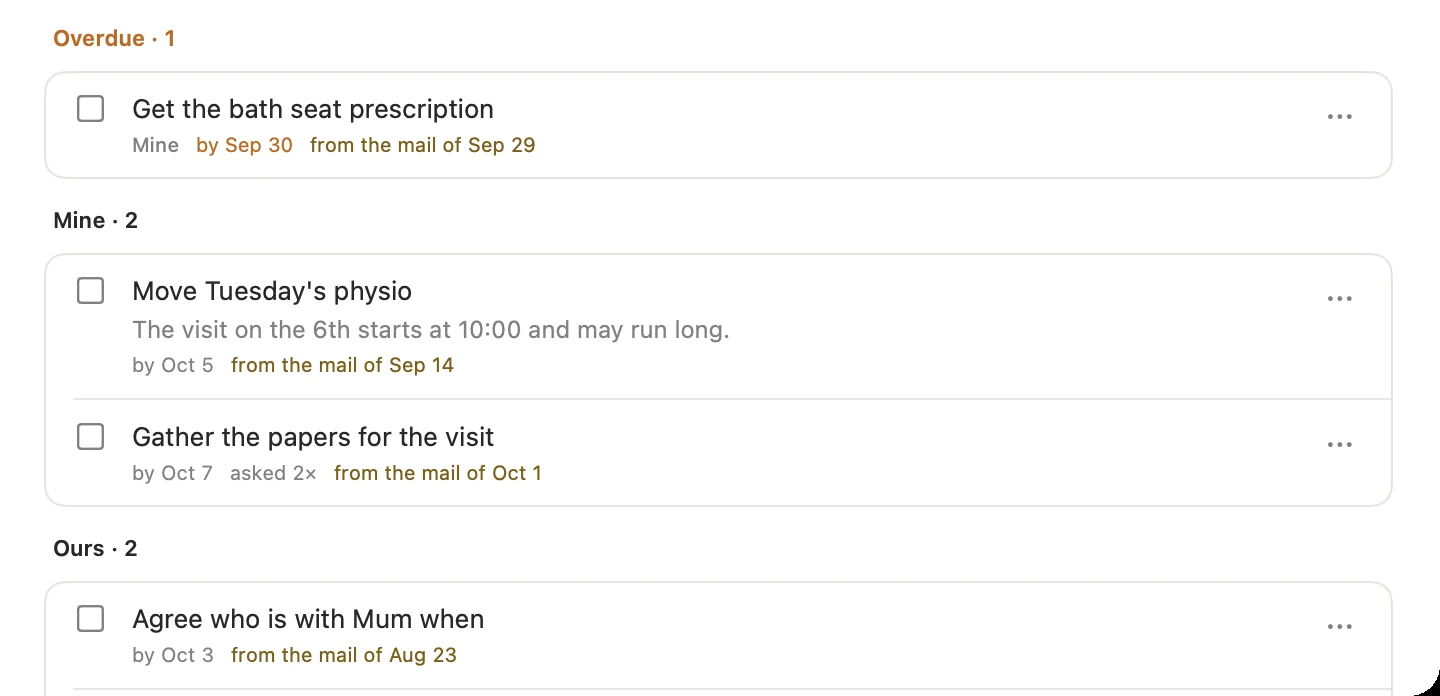
Each task and date links back to the mail it came from. Check anything in one click.
Label a mail “Causabee” in Gmail or iCloud. It’s sorted in on the next fetch.
Drag in a mail, a PDF or a screenshot. Causabee finds the matter it belongs to.
Its files, with names you can read, in iCloud Drive or a folder you choose.
A matter keeps the language its mail was written in. Nothing is translated.
Health, money, family: the more personal the matter, the more it matters that the AI never sees a real name. Your mail and documents stay on your Mac — the AI only ever sees a disguise.
Dr. Brandt has the bath seat prescription for Helga. The medical service visits her flat on 6 October at 10:00.
[Person A] has the bath seat prescription for [Person B]. The medical service visits her flat on 6 October at 10:00.
Mail text and documents are kept on this Mac. If you like, your matters sync through your own private iCloud.
Names, addresses and numbers are replaced first. If the disguise can’t be built, nothing is sent.
Pick Claude, OpenAI or Mistral for each job, with your own key in the Keychain. Every answer shows what it cost.
Proof, deadlines, and who still owes you an answer.
Notary, bank, movers and utilities in one window of time.
Decisions, minutes, and chasing the property manager.
The tax office, applications, ID cards — with their deadlines.
The same matters, on your iPhone. They sync privately through your own iCloud, so there’s nothing new to set up.
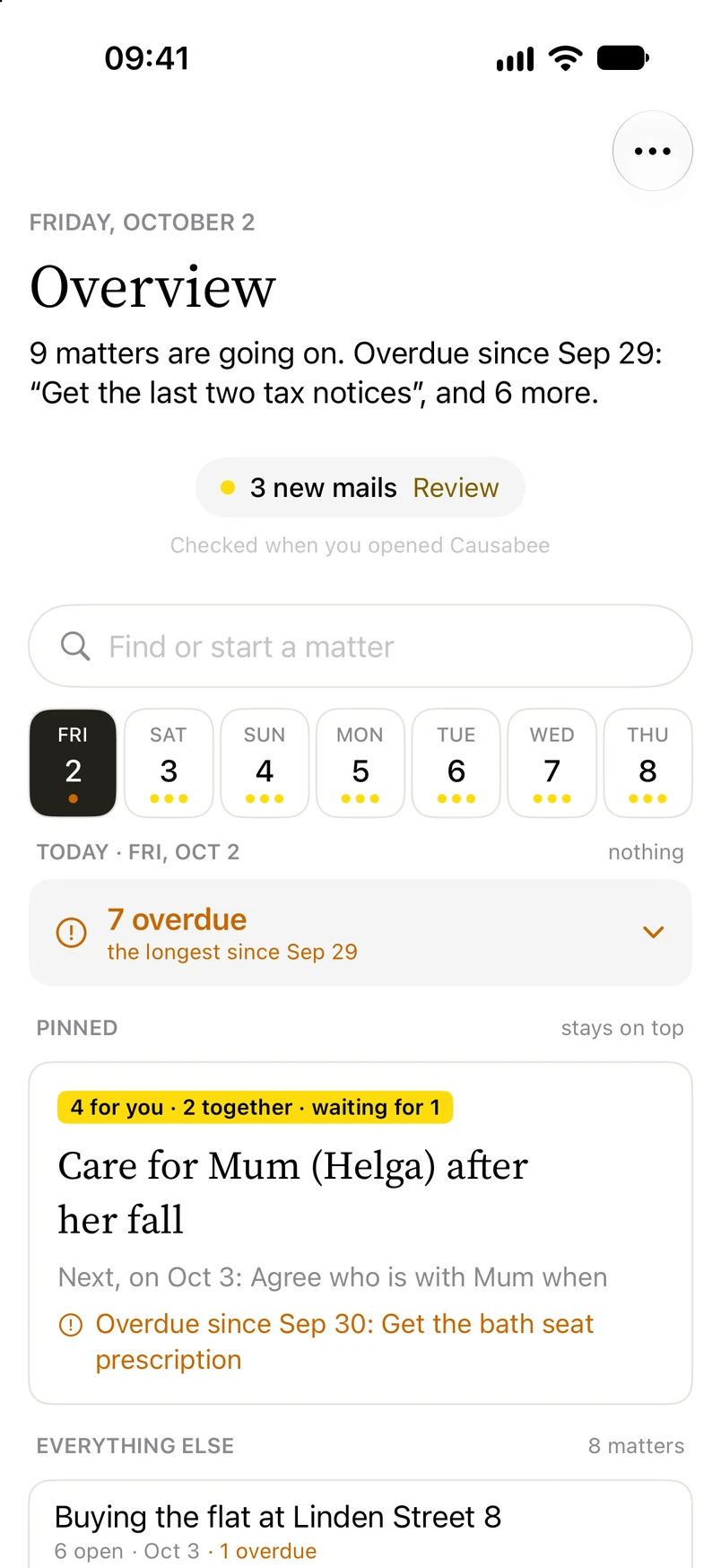
The week across all your matters, and what’s overdue today. Pin the matters that count most; the rest take one line each.
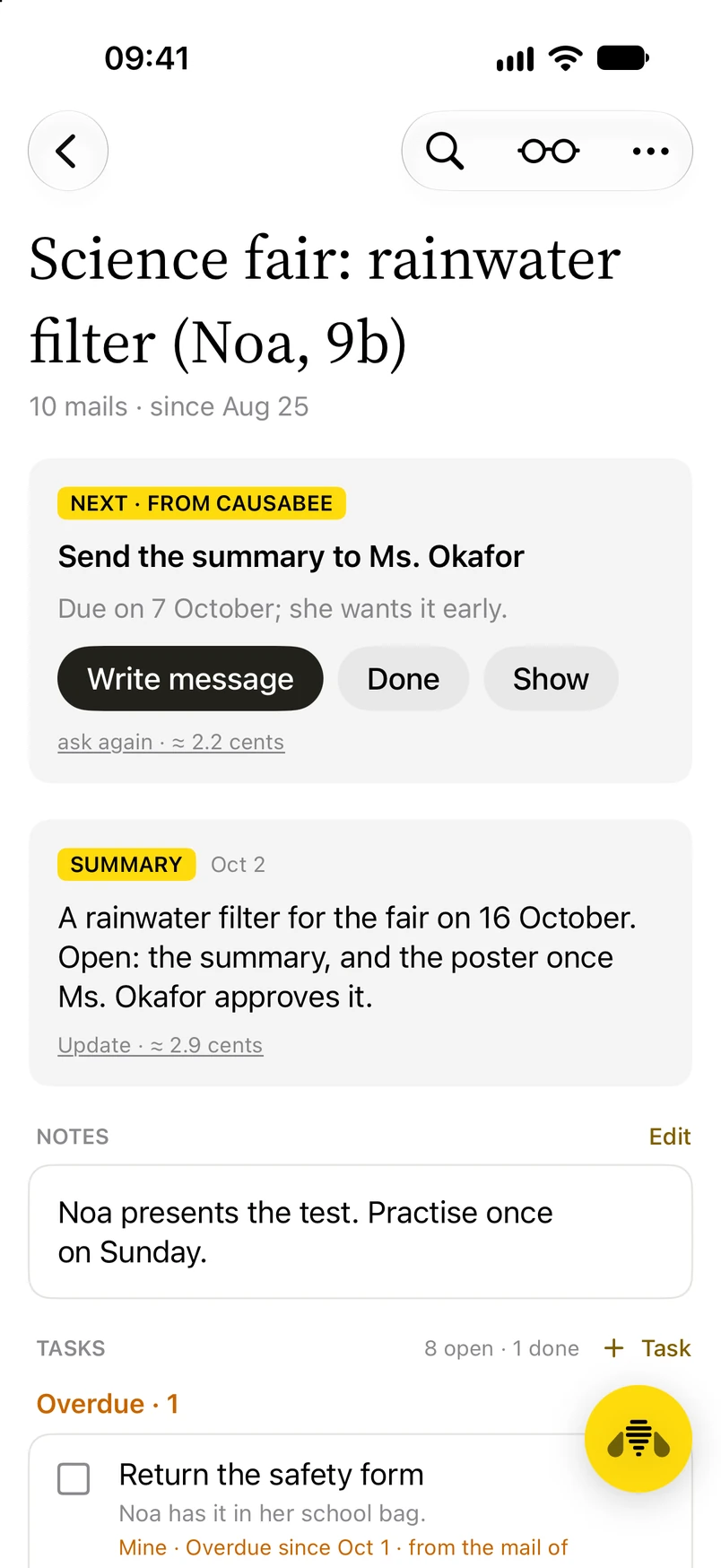
What comes next is on top: mark it done, or see the task it belongs to.
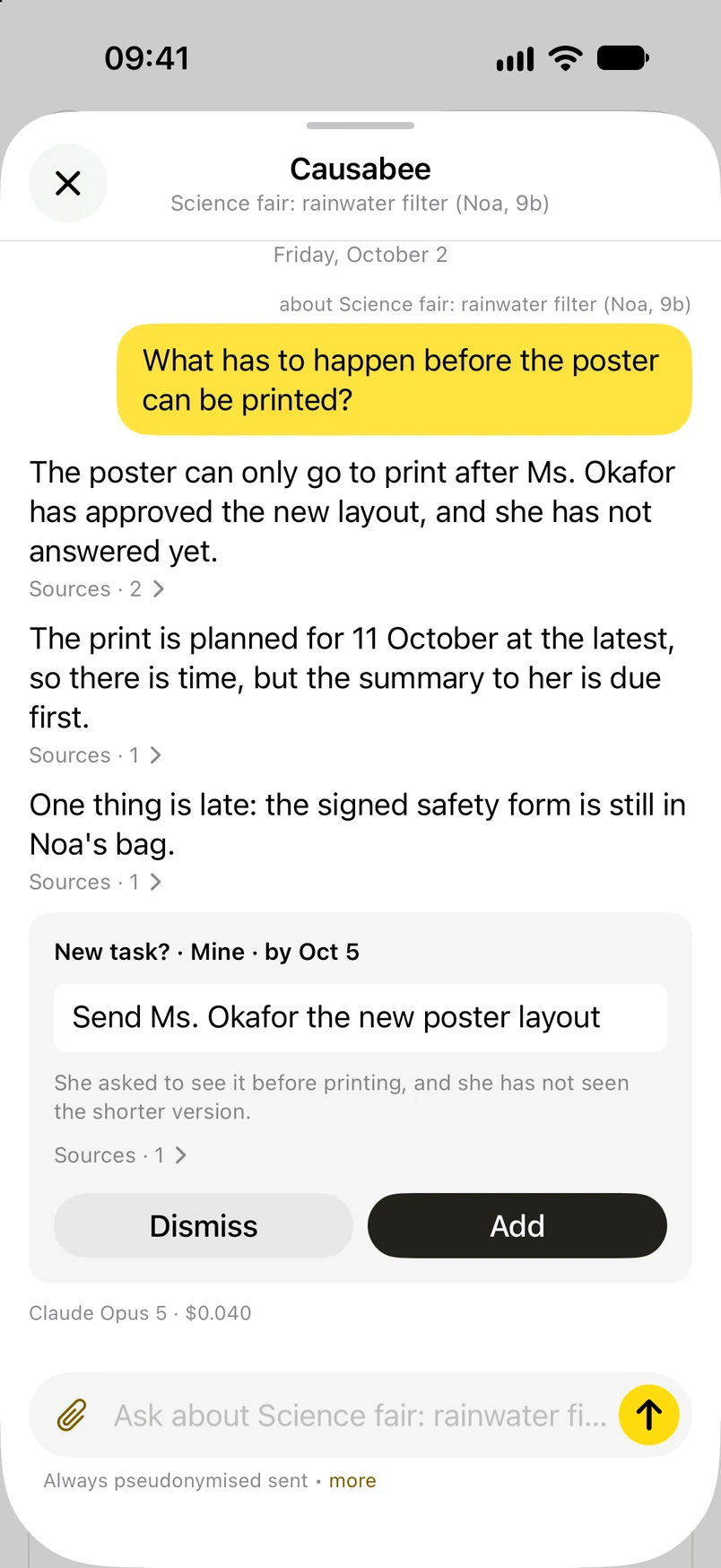
Tap the yellow button at the lower right and ask about the matter. Every answer shows its sources. Nothing is sent until you say so, and then only pseudonymised.
The matter page
The next step, a short summary, your notes and every task, on one calm page. Beside it, an assistant that knows the whole story.

One thing to do now, and why it can’t wait.
Where things stand, in a few lines. Update it whenever new mail comes in.
What only you know, kept right beside the facts.
The assistant
Ask in your own words: What can go wrong before we fly? The answer comes with its sources, and a good suggestion becomes a task in one click.
Your question goes out disguised, like everything else.


Be organized. Be private.
Version 0.5 Beta 1 · Free and open source · Requires macOS Sequoia 15 or later · Release notes